 Endfield Planner
  23×4201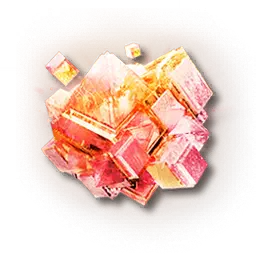
Pyrrolite
New recipeGas chain760/min



SIZE 23×4260 facilitiesPower −605Wby アルシオン
- Views
- Copies
Blueprint codes you can copy straight into the game, organized as modular blueprints by progression stage — each with production process, footprint, and power balance so you know what you are pasting.
Browse public plans for a code, or design your own layout in the planner while checking effective output.
Blueprint codes for the recipes added in Ver1.4, including the materials demanded by the quest "Cracking Suppression".
23×4201 6×1502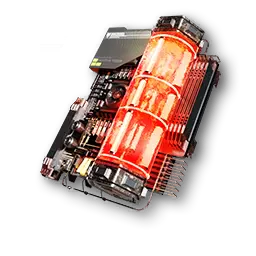
 3/m
3/m
Convert Pyrrolite Gas into Pyrrolite in the gas-to-solid converter; five ingots make one part. Pyrrolite Gas is synthesized from 2 Hetonite Gas + 1 Xiranite Gas in the gas reactor (an acidic environment is required).
6×15033/mThe ratio is 1 Pyrrolite Part to 2 Heavy Xiranite. Heavy Xiranite supply tends to be the bottleneck.
 15×3104
Spread Inert Gas with a gas diffuser to create a stable environment, and the Forge of the Sky runs on 1 Carbon Block + 1 water. It is lighter because you no longer need to make Stable Carbon Blocks.
 13×1905
Refine 2 Xiranite Gas + 2 Separator Cores into Heavy Xiranite Gas, then convert 5 of it into 2 Heavy Xiranite in the gas-to-solid converter. A stable environment cuts it to 1 Separator Core.
 6×1006
Required in large quantities for the Rift Closure mission. Consolidating delivery through underground pipes reduces trips.
 12×1807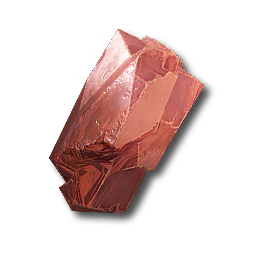
The furnace requires water. Connect a liquid pump from a water source through underground pipe input/output ports.
 9×608
9×608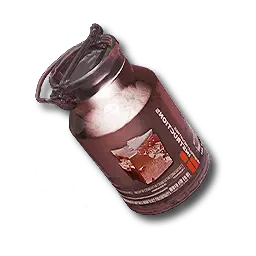
2 Cuprium + 1 Inert Gas in the shaper. Used to move and store gas, and as the material for Separator Cores.
 6×909
6×909The packer yields 2 per craft. Set up the Cuprium Canister and Xiranite lines first.
Small single-product blueprints grouped by story progression. Paste them top to bottom within the facilities you have unlocked and your production network grows with you.
 13×910

 10×2411
![Buck Capsule [C]](/images/endfield/items/item_bottled_rec_hp_1.webp)

Buckflower can be produced indefinitely in planters. Add one seed picker to make the seed supply self-sufficient.
 15×1512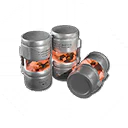

5 Quartz Parts + 1 Aketon Powder. Aketon Powder comes from Aketon Trees in the grinder.
 15×915

A plant that needs no water. Send seeds from a seed picker back to the planters and the line sustains itself.
 19×2216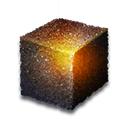
2 Originium Powder + 1 Sandleaf Powder. A shared intermediate for the large Valley battery and the Wuling batteries.
 39×2617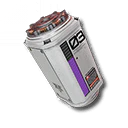
 15×3218
![Buck Capsule [A]](/images/endfield/items/item_bottled_rec_hp_3.webp)

A standard money-making line with the best Trade Ticket rate. Sandleaf supply is the bottleneck.
Open slot — publish a blueprint plan and it will be featured here.
Open slot — publish a blueprint plan and it will be featured here.
5 Xiranite + 15 Enriched Originium Powder. The powder side is heavy, so decide up front whether to ship it from the Valley or make it on site.
Open slot — publish a blueprint plan and it will be featured here.
Open slot — publish a blueprint plan and it will be featured here.


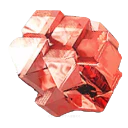
2 Hetonite Solution + 1 Ferrium Powder makes Hetonite; five ingots make one part. Sewage is a byproduct, so prepare an outlet for it.
Open slot — publish a blueprint plan and it will be featured here.
Uses one Hetonite Part for each Heavy Xiranite. One supply lane for each is sufficient.
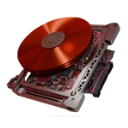
Open slot — publish a blueprint plan and it will be featured here.
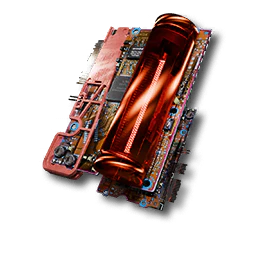
10 Cuprium Parts + 10 Xiranite per unit. Both need high rates, so run the two lines in parallel.
 12×2825
![Yazhen Syringe [C]](/images/endfield/items/item_bottled_rec_hp_4.webp)

10 Iron Parts + 5 Ferrium Bottles of Sprigneedle Extract. Sprigneedle needs water, so run water to the planters.
![Yazhen Syringe [A]](/images/endfield/items/item_bottled_rec_hp_5.webp)
Open slot — publish a blueprint plan and it will be featured here.

10 Cuprium Parts + 5 Cuprium Bottles of Sprigneedle Extract. Switching both the bottle and the part to Cuprium migrates the line from Injection I.
 50×2527
The baseline setup that needs no gas environment: 2 Stable Carbon Blocks + 1 water in the Forge of the Sky.
Open slot — publish a blueprint plan and it will be featured here.
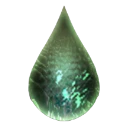
10 Xiranite + 5 Xircon Effluent in the Forge of the Sky. It assumes you recycle the effluent from a Xircon line.
 14×2329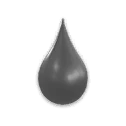
A circulation line centered on Xircon Effluent. If it stalls, check that Inert Xircon Effluent is being carried out.
The completed form that covers a whole base's production. As plans are published, codes are listed split by area so you can paste them progressively as you expand.
A blueprint that completes production for an entire base region (Valley IV, Wuling, and so on) in one go. Unlike single-item modular blueprints, it is planned across the whole region — product mix, material flow, and power balance together. Built in the blueprint planner, this means a multi-sheet layout with one sheet per area.
To build your own final blueprint, start in the production calculator: decide what and how much to produce in the end, calculate the required lines, then lay the plan out in the blueprint planner.
Plan the product mix in the calculatorNo final blueprint is listed for this region yet. Publish a plan and it becomes the first one here.
No final blueprint is listed for this region yet. Publish a plan and it becomes the first one here.
On the full map, underground pipes are circled by color. Connect same-color in/out pairs and the line runs correctly — always check right after pasting.
Pipes that cross the area boundary cannot be included in a blueprint. After applying the code, reconnect pumps and pipes near the boundary by hand.
A blueprint that contains facilities you have not unlocked cannot be used. Progress the industry plan and collect industry points from protocol measuring devices first.
Public blueprints that produce the same item are compared by production density (output per m²). Different rates and blueprints with co-products still compare on that item's density, with the densest plan as your target.
Beat 0.258/min/m² to set a new density record.
Take the challenge in the plannerFilter by the item you want to produce, or search by plan title, author, or blueprint code.
Where to enter codes in game, and what to do when a code will not work.
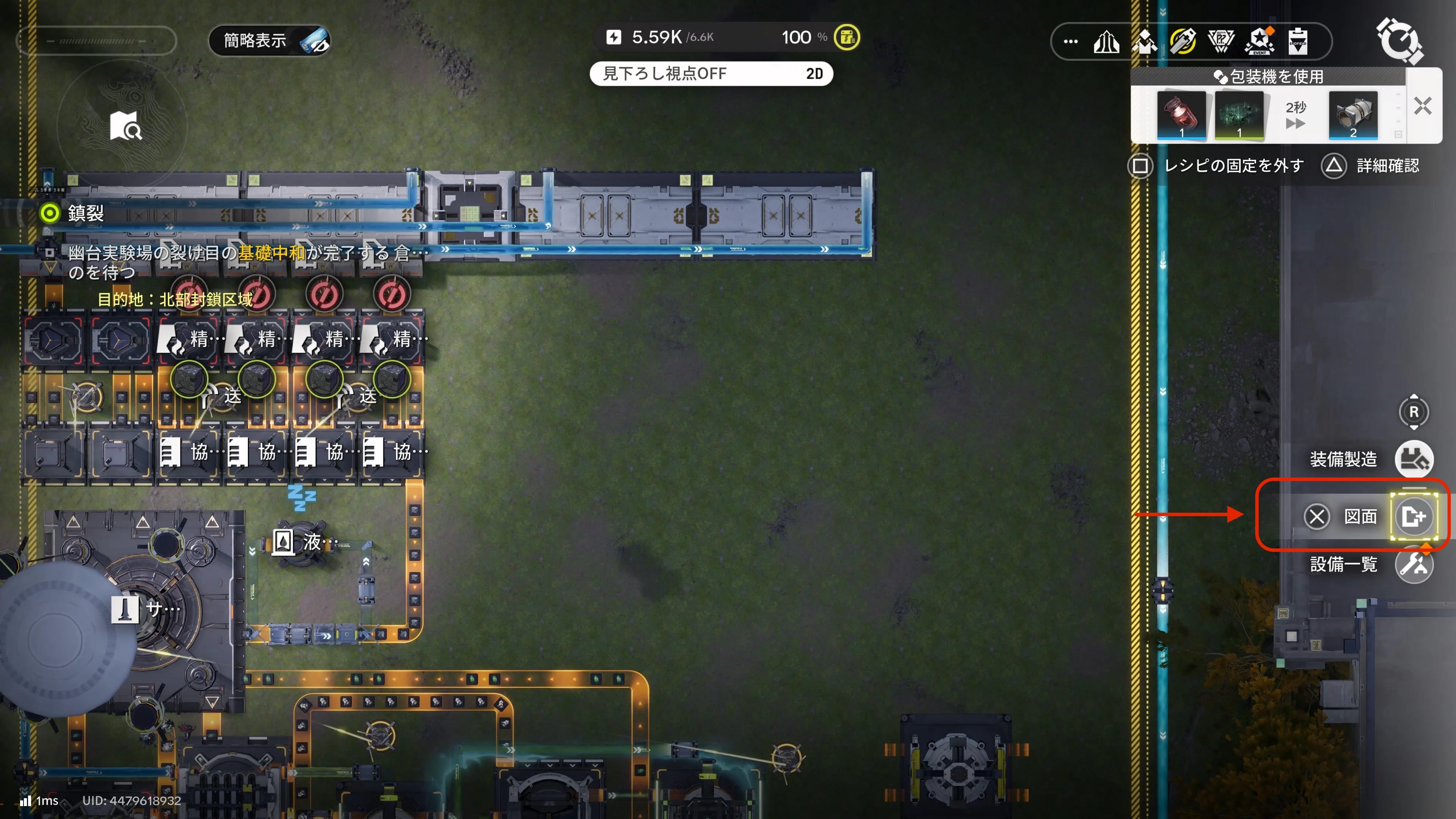
Open the AIC screen at your base and you will find "Blueprints" in the menu. It is also reachable from industry mode.
Blueprint codes do not work across servers (Asia / Americas/Europe). Use the server switch at the right end of the nav to show codes for your server.
Codes mix uppercase I with lowercase l, and 0 with O. When typing by hand (especially on PS5), suspect these first.
A blueprint cannot be applied if it contains facilities you have not unlocked. Progress the industry plan and collect protocol measuring devices.
Large blueprints assume an expanded industry area. Spend trade vouchers with the Integration Assistant at each base to expand.
New to blueprints? What they are, how to build them, and how to share them.
They are saved factory layouts: the facility placement and belt/pipe routing of an AIC (Automated Industry Complex) bundled into design data. In game they are exported as blueprint codes so other players can share and import them.
A blueprint is the finished data used in game, while a blueprint plan is a layout you design and share with the GameHeads Blueprint Planner. If a plan includes the in-game blueprint code, viewers can copy the code and import it into the game as a regular blueprint.
Pick a region and area in the blueprint planner, place facilities, and connect them with belts and pipes. Saved plans can be reopened any time from the blueprint switcher at the top of the planner.
Choose a visibility setting — public, unlisted, or draft. Public plans appear in this gallery and in search engines, and you can register the in-game blueprint code alongside them.
Open the plan's page and choose "Clone & Edit" to adjust it as your own layout. If it includes an in-game blueprint code, copy the code and import it directly in the game.
Search by title, author, or blueprint code, and filter by produced item to find plans by purpose. You can switch between grid and list views.
At the AIC terminal in game, choose Shared Blueprints → Import and paste the copied blueprint code. Codes do not work across servers (Asia / Americas/Europe), so use a code from your own server.
Share blueprints and reports on X under #エンドフィールド図面.
The contour lines in the background are real survey data around Mt. Kurobegoro in the Northern Alps, derived from GSI elevation tiles (Geospatial Information Authority of Japan).



![Buck Capsule [B]](/images/endfield/items/item_bottled_rec_hp_2.webp)